
Review cash, receivables, payables, inventory, approvals, close, and reports from one financial workspace.
SME tools for the business you are becoming
Control the books. Support your people. Keep the business moving.
We bring GoOfficePH Ledger and Ledger People together with professional Mail, meetings, files, tasks, schedules, contacts, administration, and reports. Start with the controls your SME needs now and add depth as the business grows.
Connect employee records, attendance inputs, leave, payroll review, labor cost, and financial posting.
Give owners, teams, finance, administrators, and partners the right view of the same business.
Built for growing Philippine businesses
More control when spreadsheets are no longer enough. Less complexity than conventional ERP.
We help Philippine SMEs control the books, support their people, and keep customer and operating work connected without taking on conventional ERP complexity.
registered Philippine business establishments in the 2024 DTI count
Sourceof those establishments are MSMEs
Sourceof Philippine GDP came from the digital economy in 2025
Sourceof Philippine retail-payment volume was digital in 2024
SourceBuilt around the controls SMEs need next
Put the books and people operations at the center, then keep every supporting workflow connected.
We give growing businesses a practical path beyond uncontrolled spreadsheets and disconnected tools, without forcing the cost and complexity of conventional ERP.
010203040506
Control the books
Ledger brings cash, receivables, payables, inventory, approvals, close, and financial reporting into a reviewable workflow.
Support your people
Ledger People connects employee records, approved time inputs, leave, Philippine payroll review, approvals, labor cost, and financial posting.
Keep customer work moving
Mail and Contacts keep conversations, attachments, customers, suppliers, and follow-up ready for action.
Decide together
Connect brings teams and guests into persistent rooms, voice, video, shared screens, and connected follow-through.
Create and organize the work
Suite, Calendar, and Work Boards keep files, schedules, owners, deadlines, and operating context visible.
Grow on one foundation
Identity, tenant administration, security, audit, reports, credits, and subscriptions scale with the organization.
Ledger and Ledger People in use
See financial control, people operations, and daily work in one connected business workspace.
We keep the books, employee workflows, customer conversations, meetings, files, and follow-through close enough for the next person to act with confidence.
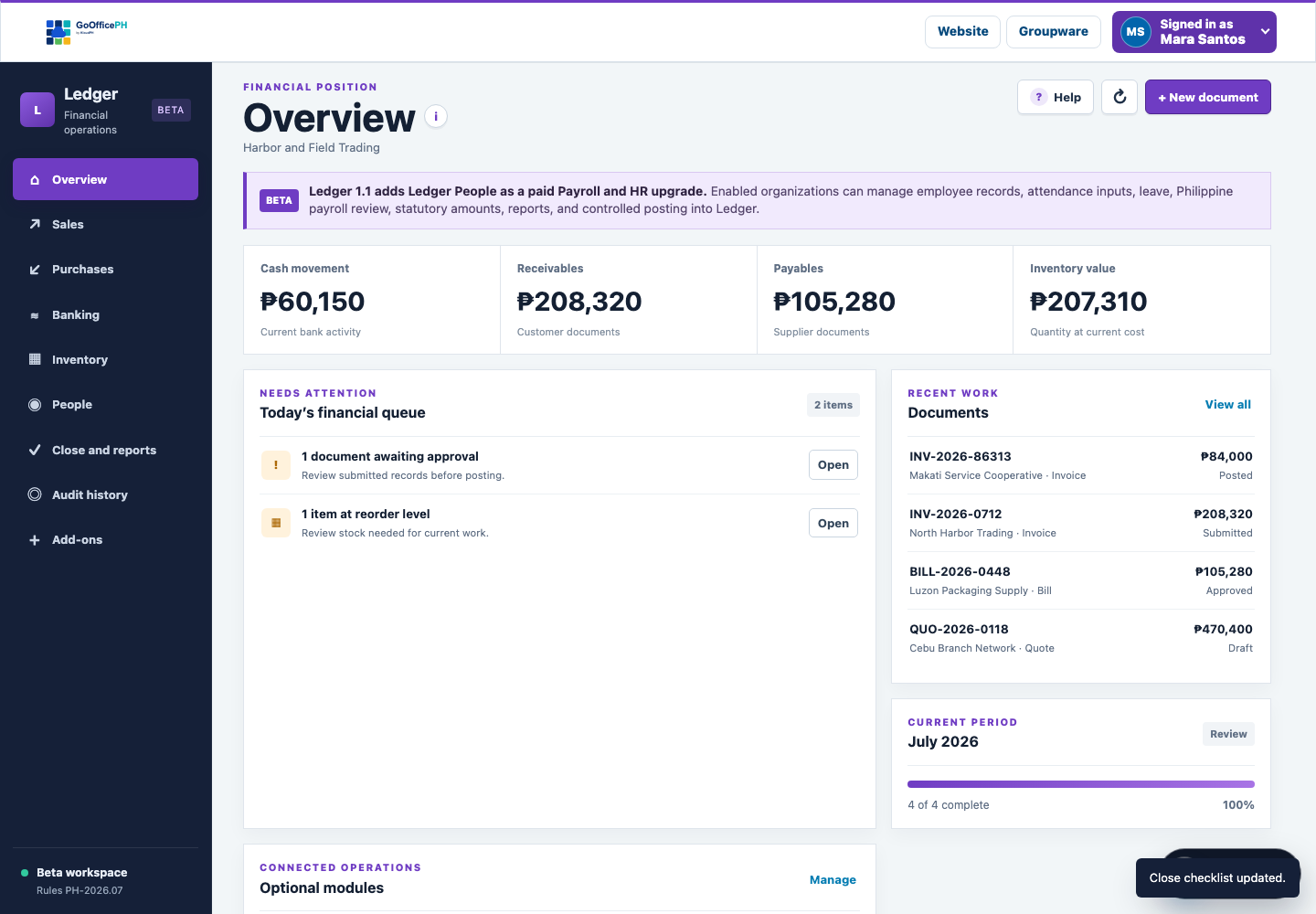
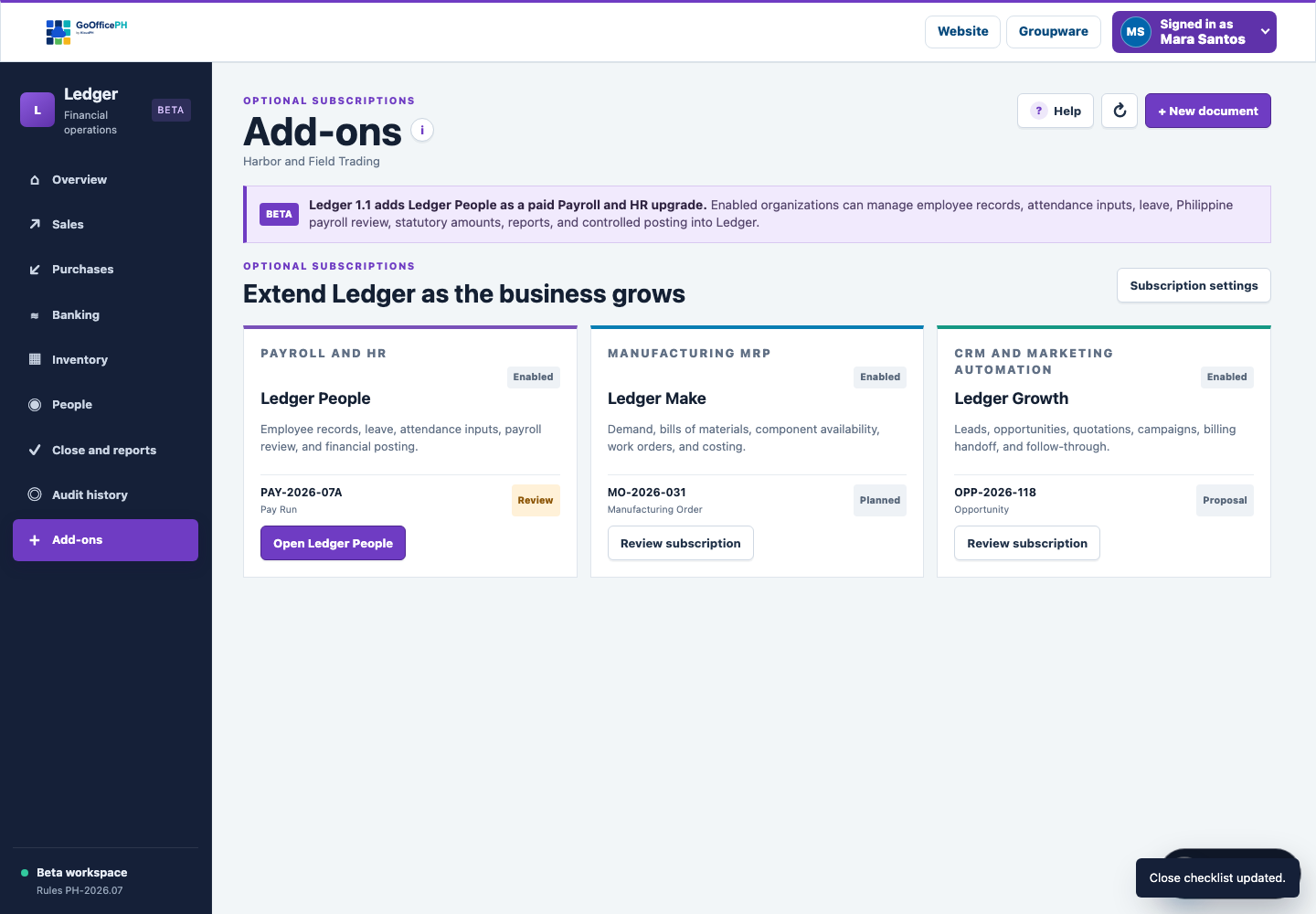
Give finance and owners one reviewable view of the records, approvals, exceptions, and reports that shape the business.
Learn more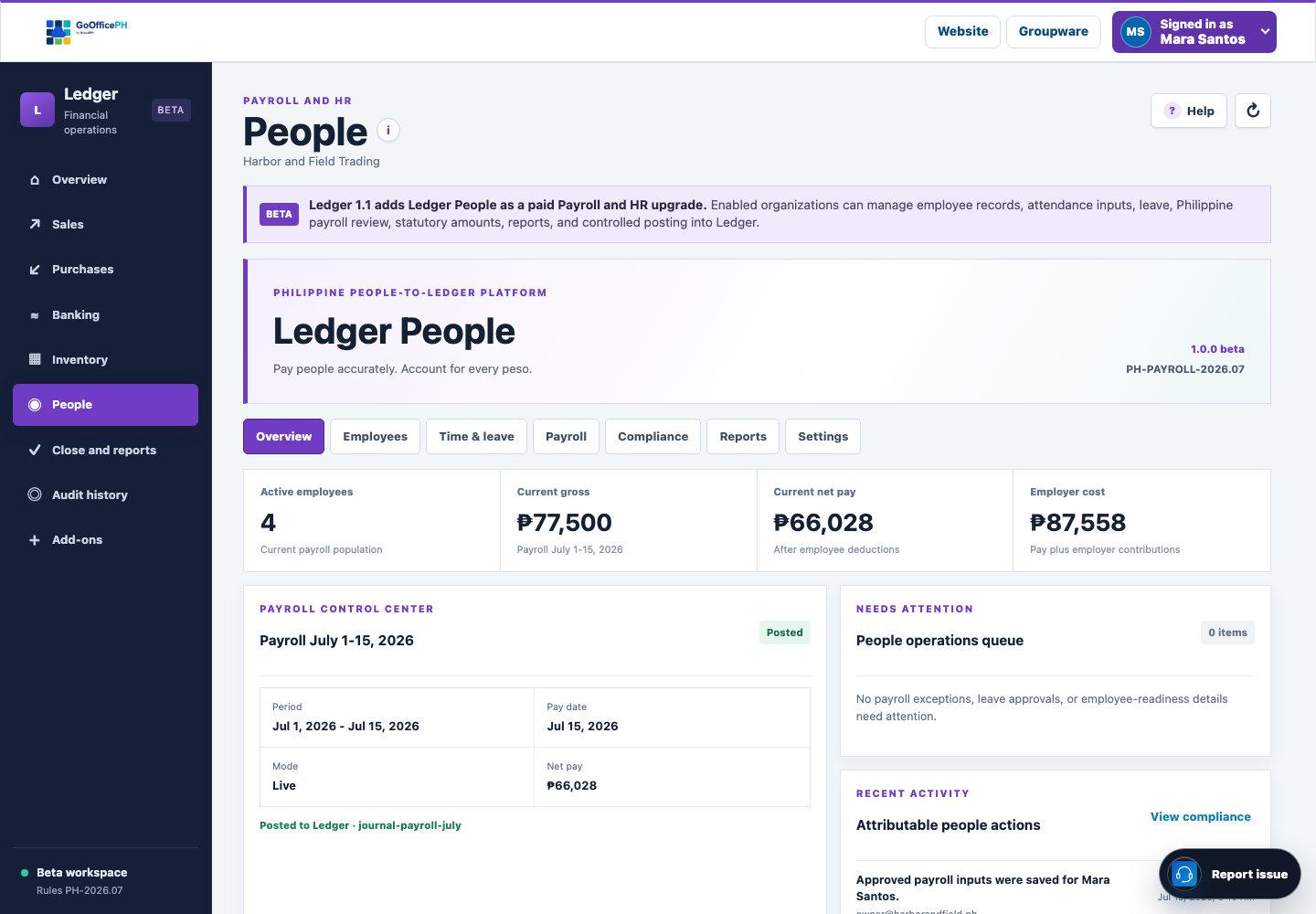
Keep employee records, approved time inputs, leave, Philippine payroll review, approvals, reports, and labor-cost posting in one accountable flow.
Learn more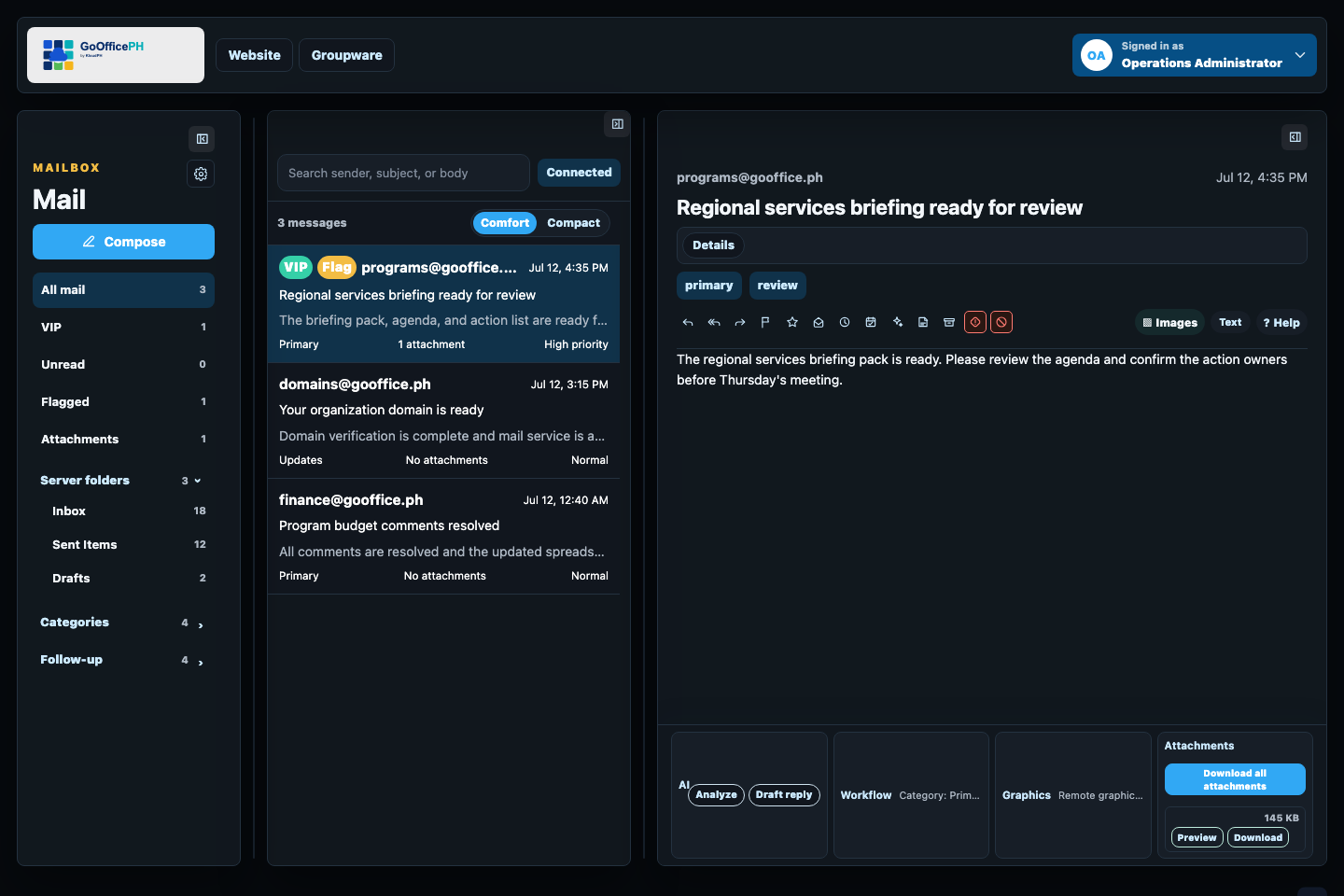
Keep conversations, attachments, invitations, safety signals, and follow-up close at hand.
Learn more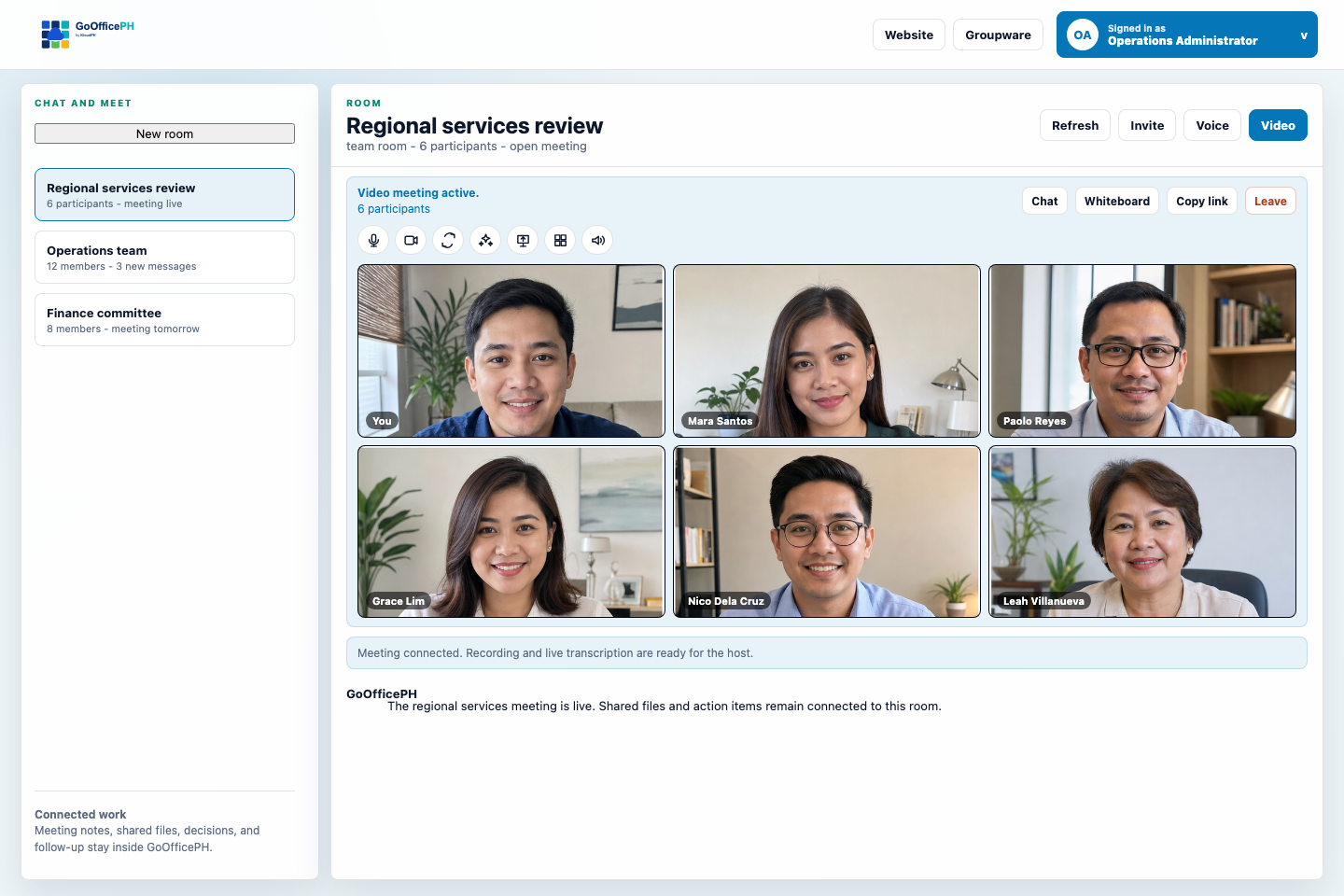
Move from a message to voice, video, guests, shared screens, and clear follow-through.
Learn moreSME tools that grow with the business
Lead with Ledger and Ledger People. Connect everything around them.
Use GoOfficePH Ledger for controlled financial operations and Ledger People for Philippine people and payroll workflows, then keep communication, files, meetings, tasks, schedules, administration, and reports on the same connected foundation.
GoOfficePH Ledger
We give growing Philippine businesses a controlled financial workspace for cash, sales, purchases, inventory, close, reporting, and the operating modules they add when they are ready.
GoOfficePH Ledger People
We help growing Philippine businesses move from effective-dated employee records and approved people inputs to reviewed Philippine payroll, locked finalization, and separately authorized labor-cost posting.
GoOfficePH Ledger Make
We help growing Philippine manufacturers plan materials, release accountable work, protect stock integrity, and close the true cost of production from one Ledger-connected workflow.
GoOfficePH Ledger Growth
We help growing Philippine businesses capture demand, coordinate every next action, govern customer permission, and connect each source to quotation, invoiced revenue, collected cash, and gross profit.
GoOfficePH Ledger Receipts Scanner
We help teams preserve receipt and invoice evidence, review extracted details, catch possible duplicates, and confirm controlled Ledger drafts without retyping every field.
GoOfficePH Mail
Use professional company email as the daily front door to customers, suppliers, attachments, and follow-up.
GoOfficePH Connect
Move from a message to a voice or video meeting with guests, shared screens, and connected action items.
GoOfficePH Suite
Keep files, documents, spreadsheets, presentations, sharing, and collaborative editing in one workspace.
GoOfficePH Work Boards
Turn requests, commitments, and recurring operations into visible, accountable work.
GoOfficePH Contacts
Keep customer, supplier, team, and tenant contacts ready across the workspace.
GoOfficePH Whiteboard
Turn live discussion into attributed visual work that can be shared, exported, and carried into the next step.
GoOfficePH Connected Workspace
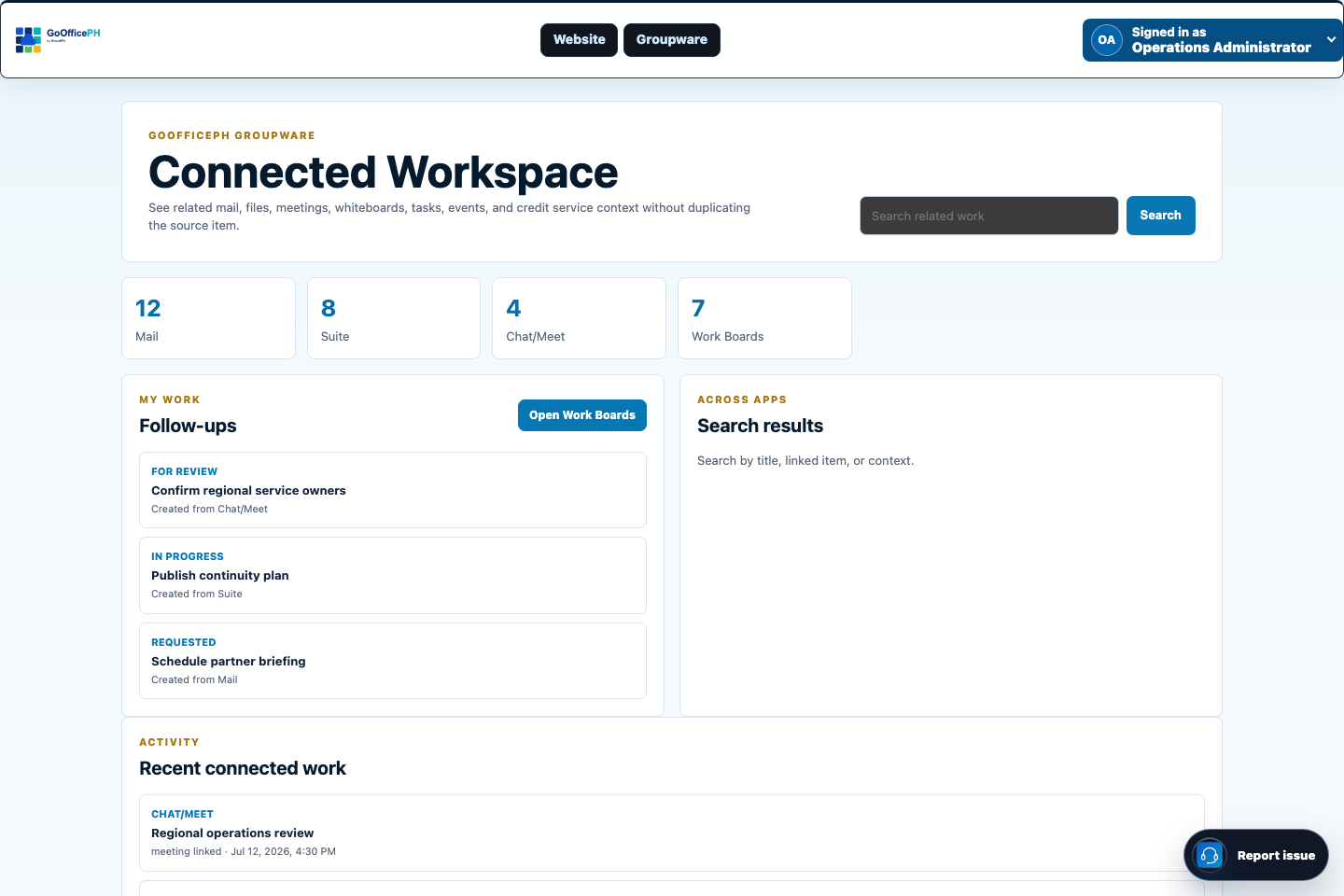
Bring related messages, meetings, files, schedules, boards, and actions together without duplicating the source record.
GoOfficePH Wallet
Keep service credits, verified recipients, product activation, and transaction history clear for users and organizations.
A practical growth path
Start with daily work. Add operating control when the business is ready.
We do not ask a growing company to adopt every process at once. Each stage builds on the same identity, tenant, administration, and connected workspace.
Give the business a professional front door
Begin with company Mail, shared contacts, and clear account ownership.
Move decisions and commitments forward
Add Connect, Suite, Calendar, Whiteboard, and Work Boards as collaboration expands.
Bring stronger control to the books
Evaluate Ledger beta when spreadsheets no longer provide enough review, traceability, or management visibility.
Add the operating depth you actually need
Enable Ledger People, Make, or Growth by subscription when payroll and HR, manufacturing, or customer operations require it.
One workspace for every side of the business
Give each role the view it needs without breaking the company into separate systems.
Owners need direction, teams need a clear next step, and administrators need dependable control. We connect those perspectives around the same work rather than forcing each group to rebuild context in another tool.
- Owners can move from operating signals to the work behind them.
- Sales and service teams can keep customer context close to delivery.
- Finance can trace supporting records before review and posting.
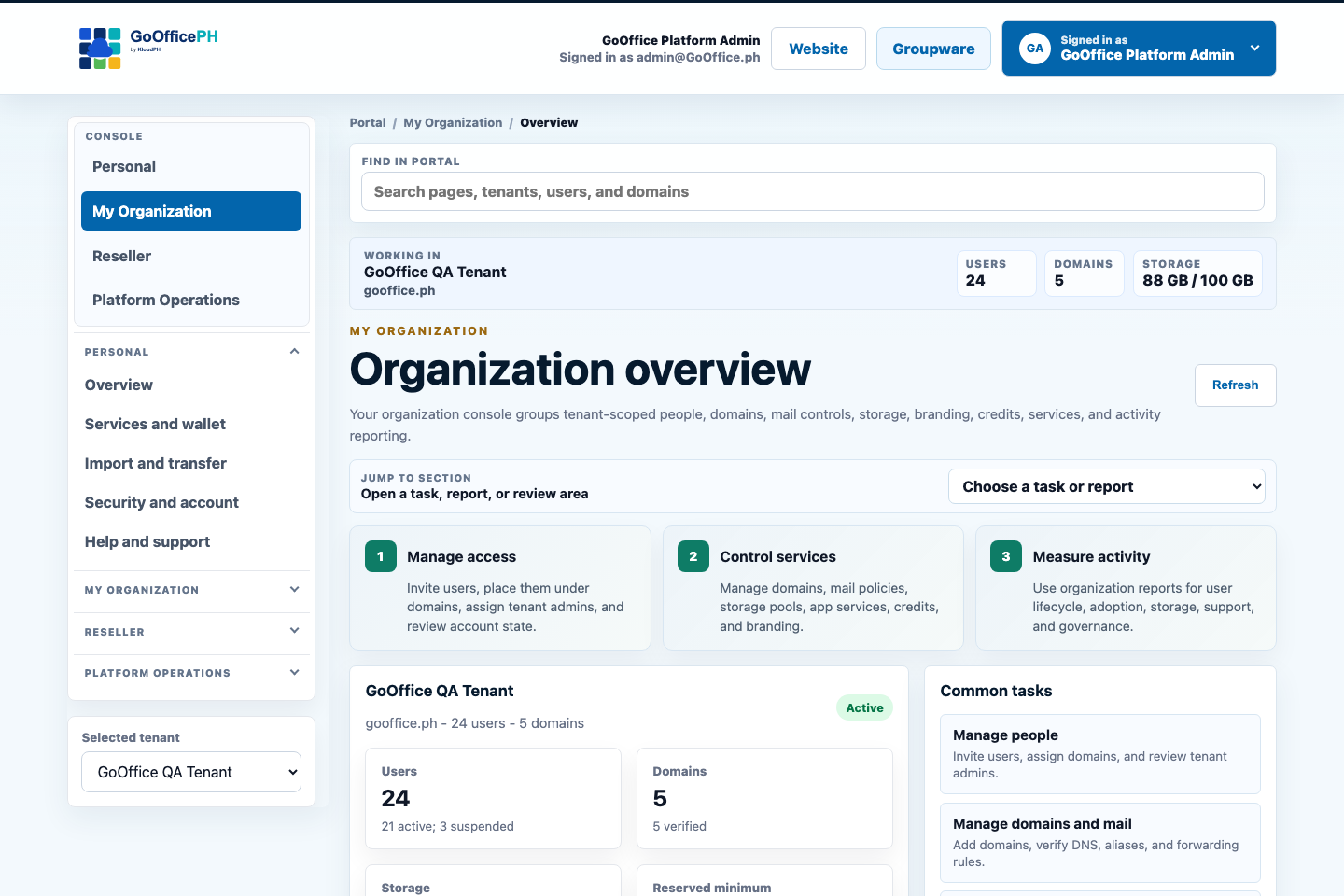
- Administrators can manage people, domains, services, storage, policy, and reports by responsibility.
Built around the people doing the work
A clearer operating view for every business role.
The same company can support focused personal work, coordinated teams, tenant administration, and leadership reporting without giving every user the same interface or authority.
| Role | What stays visible | What improves |
|---|---|---|
| Owner or general manager | Cash attention, customer commitments, operating blockers, people requests, and service health | A shorter path from signal to action |
| Finance and accounting | Source records, approvals, bank matching, receivables, payables, close, and audit trail | More controlled books with less reconciliation |
| Sales and customer teams | Messages, contacts, meetings, proposals, tasks, and follow-up | Fewer dropped handoffs and a clearer customer history |
| Operations | Schedules, files, boards, owners, dependencies, inventory context, and exceptions | Visible execution across teams and branches |
| People operations | Employee records, requests, attendance inputs, approvals, and payroll context when enabled | Less duplicate encoding and clearer accountability |
| Tenant administrator | Users, domains, roles, services, storage, security, support, audit, and reports | Control that grows with the organization |
Control that grows with the company
Keep access, services, security, and accountability understandable as the team expands.
We place administration around the workspace from the start, so adding users, domains, branches, subscriptions, storage, and more formal review does not require a separate operating system later.
- Separate personal, organization, reseller, and platform responsibilities.
- Apply tenant and domain scope to users, rooms, services, storage, and reports.
- Use retained activity and online reports to investigate and improve operations.
- Keep production and beta availability explicit before teams adopt new capabilities.
Move without losing momentum
Adopt GoOfficePH in a sequence your team can absorb.
We treat migration as an operating change, not a one-time file copy. Discovery, pilot work, verification, training, and visible ownership reduce surprises at cutover.
- 01Discover
Map users, domains, mail, files, calendars, contacts, and critical workflows
Agree on scope, data owners, constraints, and success measures before moving records.
- 02Prepare
Configure identity, tenant policy, domains, services, and recovery
Give the pilot a stable destination with clear ownership and support paths.
- 03Prove
Run a representative pilot and reconcile the result
Check message counts, folders, contacts, calendars, files, permissions, and daily work with real users.
- 04Move
Cut over in controlled waves
Keep status visible, resolve exceptions, and avoid asking the entire organization to change at once.
- 05Improve
Use adoption, support, activity, and service reports
See where the team needs more guidance and which capabilities should come next.
Available now and next
Know what is ready for daily work and what is still being evaluated.
We label production and beta clearly so teams can adopt with the right expectations.
Production
Connected Groupware
Mail, Connect, Suite, Calendar, Contacts, Work Boards, Whiteboard, Wallet, and Connected Workspace are available through the production catalog.
OpenBetaGoOfficePH Ledger
Evaluate financial control plus the optional People, Make, and Growth modules in an isolated beta workspace before production release.
OpenGuided adoptionMigration and implementation
Use our plain-language migration, setup, pilot, rollout, and administrator guidance to make the change manageable.
OpenQuestions growing businesses ask first
A straightforward path from the first account to a governed workspace.
Do we need to replace every existing tool at once?
No. You can start with Mail, Connect, or a Groupware plan, then add connected apps and stronger operating controls as priorities become clear.
Can one organization manage multiple domains or branches?
Yes. Tenant administrators can manage users, verified domains, services, storage, policy, and reporting at organization scope, with domain-aware workflows where they are relevant.
What is available in production today?
The production catalog includes Mail, Connect, Suite, Calendar, Contacts, Work Boards, Whiteboard, Wallet, and Connected Workspace. Ledger is explicitly labeled beta.
Can we bring existing mail, contacts, calendars, and files?
GoOfficePH provides guided import paths, provider-specific setup, previews, staged migration, exception handling, and verification guidance. The exact method depends on the source service and permissions available.
How do administrators know what is happening?
Authorized roles can use scoped activity, audit, security, service, storage, support, user, tenant, reseller, and platform reports, with online detail and supported export formats.
References
Explore the research and policy context behind this guidance.
DTI 2024 Philippine MSME StatisticsPhilippine Statistics Authority, Digital Economy 2025Bangko Sentral ng Pilipinas, 2024 E-Payments MeasurementDTI Philippine E-Commerce Development Plan 2023-2028BIR Revenue Regulations No. 11-2025 digestBIR Revenue Regulations No. 26-2025 digestNational Privacy Commission, Data Privacy ActNational Privacy Commission, data-security guidanceWorld Bank Group, SME FinanceOECD, Digitalisation of SMEs
Choose a practical SME starting point
Bring stronger control to the books and people operations first.
Explore Ledger and Ledger People now, then connect the Mail, meetings, files, tasks, schedules, contacts, administration, and reports that keep the whole business moving.